
Practical Screen Time Guide
How to stop scrolling Instagram when one quick check becomes 30 minutes
Instagram is not only one habit. It can be messages, stories, reels, social signals, boredom, work, and comparison in the same app.
Last updated:
Direct answer
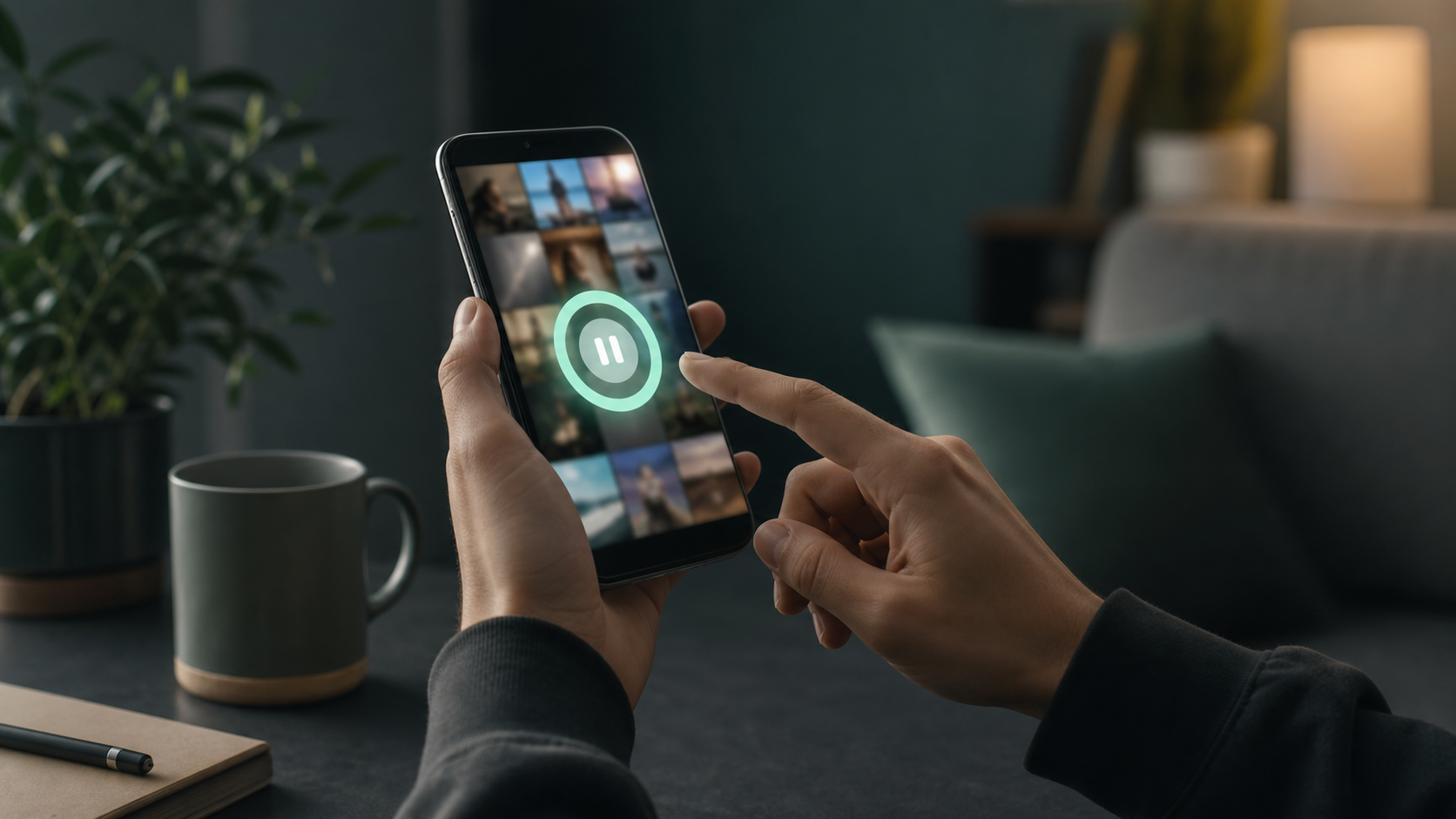
To stop scrolling Instagram, separate the useful reason from the feed loop. Keep the parts you need, reduce triggers such as notifications and home-screen access, and add friction before Reels or the main feed becomes automatic. If you want full distance, use a blocker. If you need occasional access for messages, links, work, or posting, use a purpose prompt, timebox, and stopping point instead of relying only on willpower.
A realistic Instagram setup
- Decide which Instagram use is legitimate: messages, posting, research, or social checking.
- Turn off nonessential notifications and remove Instagram from the home screen.
- Use a blocker for no-access windows or smart friction when you still need access.
Name the Instagram job first
Instagram is hard to manage because the useful and distracting parts live behind the same icon. You may open it to reply to a message and end up in Reels, stories, or Explore.
Before choosing a tool, decide what you actually want to allow. A good rule is specific: reply to messages, post one update, check one account, or spend five minutes. A vague rule like 'use Instagram less' is easier to ignore.
Remove the easiest triggers
Turn off alerts that pull you back into the app when you did not choose to open it. Keep only the notifications that have a real purpose for you.
Move Instagram away from the home screen. This does not solve the whole problem, but it weakens the automatic thumb path.
Choose between blocking and friction
If Instagram is not needed during work, study, meals, or bedtime, a hard blocker or Android Focus Mode can be the cleanest answer.
If you still need Instagram sometimes, full blocking may create a cycle of disabling the rule. In that case, smart friction can be more realistic because it asks why you are entering and how long you plan to stay.
Put a stopping point before Reels starts
The most important moment is often before the feed begins. Once Reels, stories, or Explore have started, the next item is always close.
A practical rule is to decide the exit before entry: leave after replying, leave after one post, leave when the timer ends, or leave when the original purpose is gone.
Where smart friction can fit
LoopCut can guard Instagram as one selected app. It can add a pause before opening, ask for a purpose, help you timebox the visit, and add stopping points when the session starts to extend.
That makes it useful for people who need Instagram sometimes but do not want every quick check to become a feed session.
Do not ignore the emotional trigger
Instagram scrolling is sometimes driven by boredom, loneliness, comparison, avoidance, or waiting for a social signal. App tools can slow the loop, but they cannot replace the deeper need.
If Instagram use is tied to serious distress or compulsive behavior that feels unmanageable, treat the app setup as only one part of the solution.
FAQ
Should I delete Instagram to stop scrolling?+
Deleting can work if you do not need the app. If you still need messages, posting, or work access, use notification changes, Focus Mode, blockers, or smart friction instead.
How do I stop opening Instagram automatically?+
Move it off the home screen, turn off nonessential notifications, and add a pause or blocker before opening so the first tap is no longer automatic.
Can LoopCut help with Instagram Reels?+
LoopCut cannot change Instagram's feed design, but it can add pause, purpose, time planning, and stopping points around opening and using Instagram.
Sources and further reading
- Set a daily time limit on Instagram
Instagram Help Center
- Manage how you spend time on your Android phone with Digital Wellbeing
Google Android Help
- Directing smartphone use through the self-nudge app one sec
PNAS
- Doomscrolling Scale: its Association with Personality Traits, Psychological Distress, Social Media Use, and Wellbeing
Applied Research in Quality of Life