Practical Screen Time Guide
How to stop doomscrolling on Android without relying only on willpower
Doomscrolling is usually not one bad decision. It is a loop of stress, novelty, negative news, and app design that keeps the next item close.
Last updated:
Direct answer
To stop doomscrolling on Android, reduce the triggers before the session starts, make news and social apps less automatic to open, and add a stopping point while you are still inside the loop. Start with notifications, Focus Mode, app timers, and moving apps off the home screen. If that is not enough, use either a hard blocker for strict separation or a smart-friction tool that asks you to pause, choose a purpose, and leave when the session has drifted.
What usually works best
- Remove re-entry triggers such as breaking-news alerts and social notifications.
- Make the first tap less automatic with Focus Mode, app timers, or a pause before entry.
- Add an exit rule before you start: one topic, one source, or one short timebox.
Start with the loop, not the feed
Doomscrolling often starts with a reasonable intention: checking one update, understanding one event, or looking for reassurance. The problem is that the feed does not naturally end when your question is answered.
The loop usually has three parts: a trigger, an easy entry, and no clear stopping point. A useful Android setup should weaken all three.
First reduce the triggers
News alerts, social notifications, badges, and lock-screen previews can bring the feed back into your attention long after you left it.
Start with the least dramatic change: turn off nonessential notifications, remove news widgets, and keep the most triggering apps away from the first home screen.
- Use notification categories to keep important alerts but silence engagement prompts.
- Use Do Not Disturb or Focus Mode during work, meals, and wind-down time.
- Check news at planned times instead of every time an alert appears.
Then make opening less automatic
If your thumb opens the app before you have decided what you need, a report after the fact will not help much. The intervention has to happen before or during the session.
Hard blockers are useful when the safest answer is no access. Smart friction is useful when you still need occasional access but want the app to ask for intention first.
Use a clear stopping rule
Doomscrolling becomes easier to stop when the session has a definition. Before opening the app, decide what counts as done.
Examples: read one trusted source, check one topic, spend five minutes, or stop when the same information repeats. The point is not perfection. The point is giving yourself an ending before the feed removes it.
Where smart friction can fit
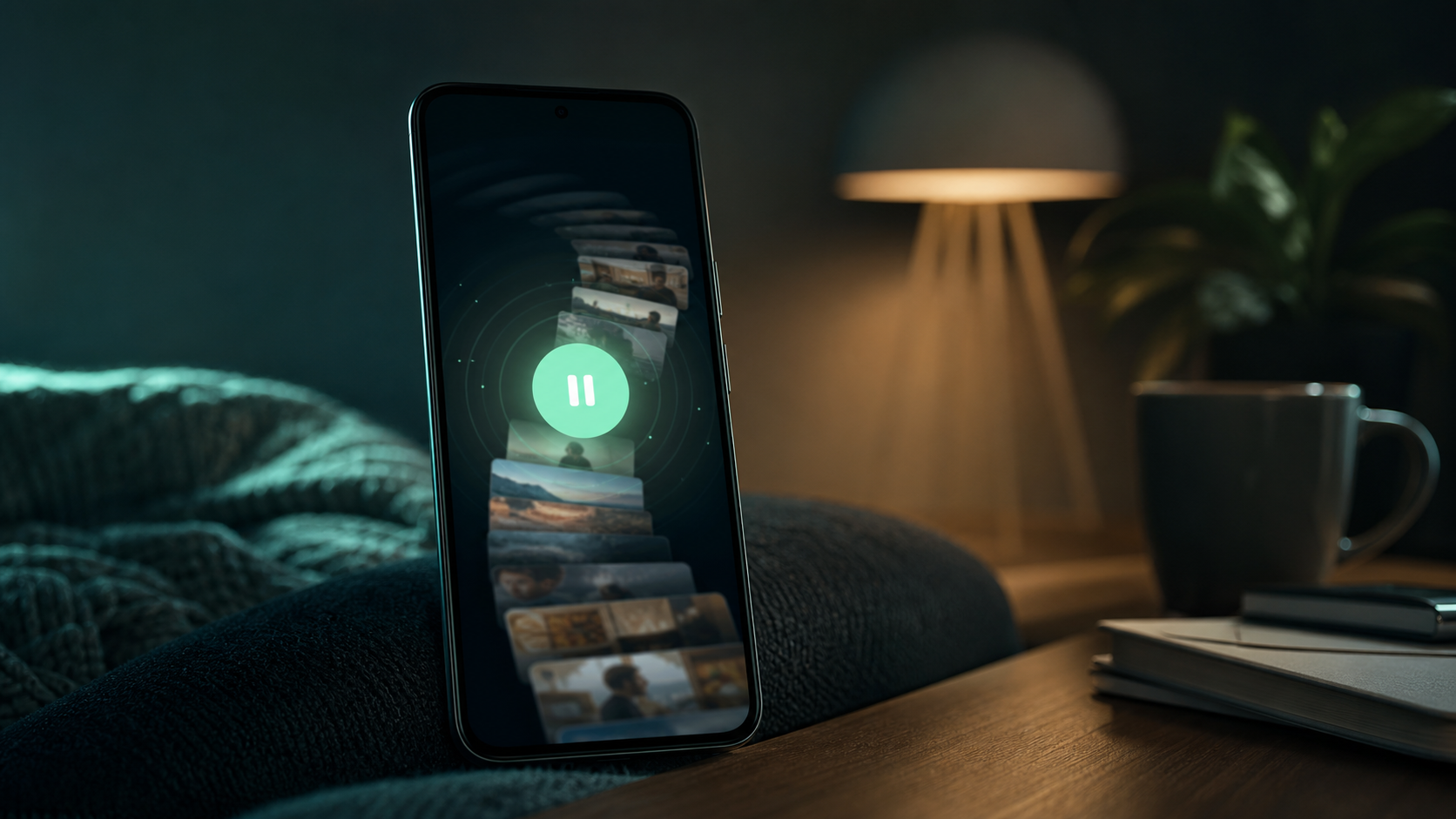
LoopCut is one smart-friction option for Android. It can add a pause before selected apps open, ask for a purpose, help you set a time plan, and show stopping points if the session keeps extending.
That makes it better suited to people who need realistic access than to people who want a strict no-access rule. If your goal is full separation from news or social apps, a hard blocker may be a better first choice.
When the root cause is not the phone
Doomscrolling can also be a response to anxiety, loneliness, exhaustion, or feeling unsafe. Phone settings can create space, but they do not solve every reason you reach for the feed.
If the scrolling feels unmanageable or connected to serious distress, sleep loss, depression, or anxiety, it is better to seek professional support instead of treating an app as the full solution.
FAQ
What is the fastest way to reduce doomscrolling on Android?+
Turn off nonessential notifications, remove triggering apps from the home screen, and use Focus Mode or an app timer during vulnerable times. Then add a rule for what counts as done before opening the app.
Should I delete news and social apps?+
Deleting can help if the app has no important use for you. If you still need access, a blocker, Focus Mode, or smart friction may be more realistic.
Can LoopCut stop doomscrolling?+
LoopCut can help by adding pause, purpose, time planning, and stopping points around selected apps. It is one option, not a medical treatment or a guarantee.
Sources and further reading
- Doomscrolling Scale: its Association with Personality Traits, Psychological Distress, Social Media Use, and Wellbeing
Applied Research in Quality of Life
- Manage how you spend time on your Android phone with Digital Wellbeing
Google Android Help
- Directing smartphone use through the self-nudge app one sec
PNAS