
Practical Screen Time Guide
How to stop bedtime phone use when scrolling becomes the last habit of the day
Bedtime scrolling is not only a screen problem. It is also a tired-brain problem: low energy, no clear ending, and apps that keep the next item ready.
Last updated:
Direct answer
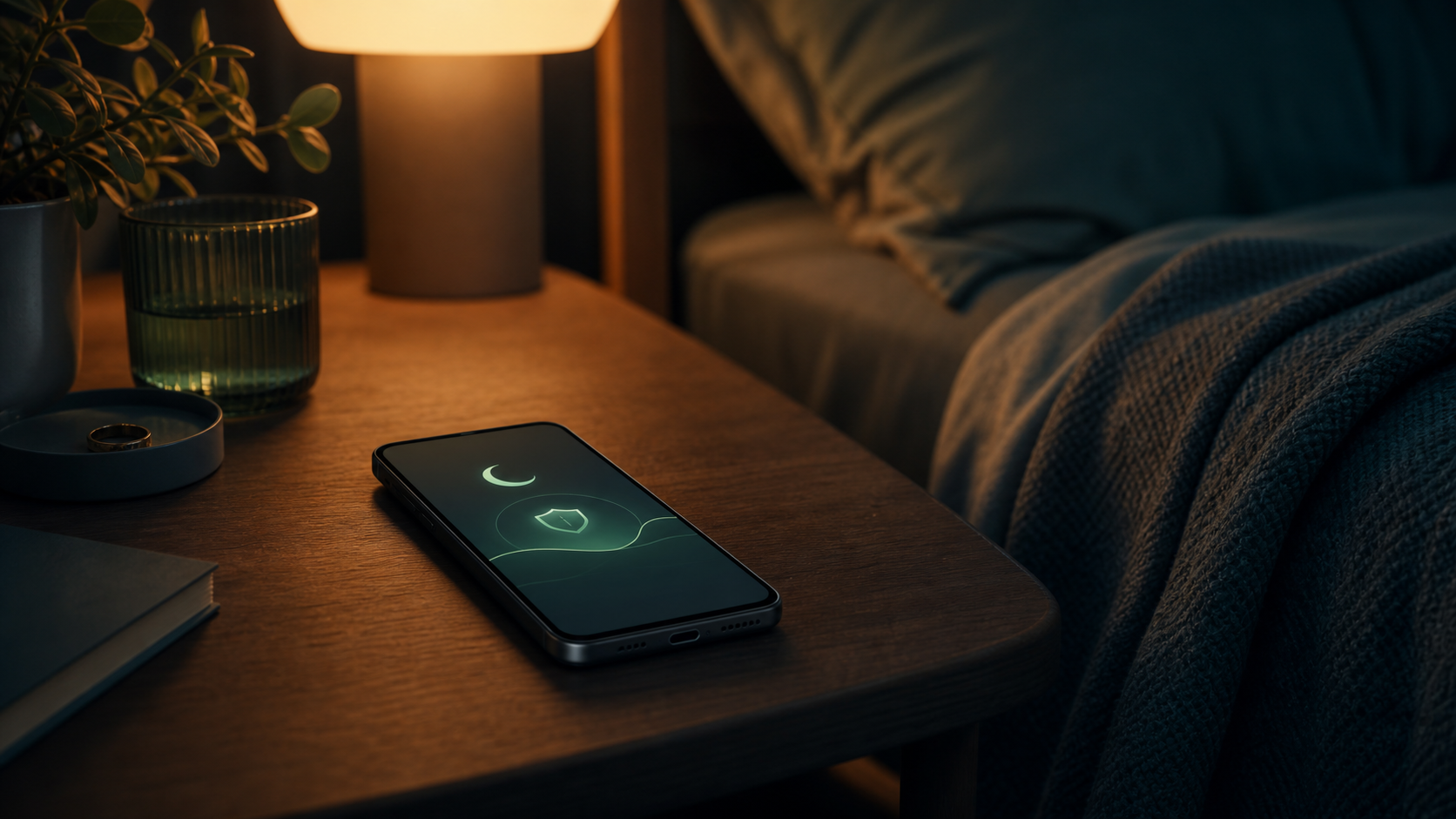
To stop bedtime phone use, protect the hour before sleep with fewer triggers, fewer decisions, and a clearer default. Use Android Bedtime Mode, Do Not Disturb, notification limits, and charging the phone away from the bed when possible. If you still need your phone nearby, block or guard only the apps that usually lead to scrolling while keeping essential access available.
Best first steps
- Set a repeatable bedtime window instead of deciding every night while tired.
- Use Bedtime Mode, Do Not Disturb, and notification limits before bed.
- Keep essential apps available but guard social, video, news, and browser apps.
Bedtime scrolling happens when decisions are weakest
At night, the problem is rarely a lack of knowledge. Most people already know that one more video can become much longer. The problem is that you are tired, the phone is close, and the feed has no natural ending.
That means the best bedtime setup should reduce decisions before you are tired.
Create a bedtime default
Use Android Bedtime Mode, Do Not Disturb, and notification settings to make the phone quieter before sleep. If possible, charge the phone outside the bed area.
The goal is not to win a willpower fight at midnight. The goal is to make the right default happen automatically.
- Silence nonessential notifications before bedtime.
- Keep alarms, calls, or emergency contacts available if needed.
- Move the most distracting apps away from the first screen.
Separate essential access from scrolling access
Many people do not want to fully block the phone at night because they need alarms, family messages, health apps, navigation, or urgent access.
A better setup can protect against social, video, news, and browser loops while leaving essential uses available.
Use stronger blocking if night use is the main problem
If bedtime scrolling is the habit causing the most damage, a hard night blocker can be the right choice. It removes the decision during the most vulnerable window.
The tradeoff is flexibility. If you often need legitimate access, you may need a softer system with clear exceptions instead of an all-or-nothing block.
Where smart friction can fit
LoopCut's Sleep Guard is designed for bedtime scrolling: selected distracting apps can stay guarded while essential access remains possible.
LoopCut can also add a pause, purpose, time plan, and stopping point before the bedtime feed begins. That is useful when the goal is not to remove the phone entirely, but to stop the night from turning into an endless session.
When the real issue is exhaustion or loneliness
Bedtime phone use can be a way to avoid silence, loneliness, stress, or the next day. A tool can make scrolling less automatic, but it cannot fully solve the reason the phone feels comforting.
If sleep loss is serious or phone use feels compulsive and unmanageable, professional support is more appropriate than relying only on settings or an app.
FAQ
What Android setting helps most with bedtime phone use?+
Start with Bedtime Mode and Do Not Disturb. Then limit notifications and guard or block the specific apps that usually start the scrolling loop.
Should I keep my phone outside the bedroom?+
If you can, it is one of the simplest strong boundaries. If you need the phone nearby, protect the distracting apps while keeping essential functions available.
Can LoopCut block only bedtime distractions?+
LoopCut can help guard selected distracting apps for bedtime while keeping realistic access possible for essential tasks.
Sources and further reading
- Youth screen media habits and sleep
Child and Adolescent Psychiatric Clinics of North America
- About Sleep
CDC
- Manage how you spend time on your Android phone with Digital Wellbeing
Google Android Help
- Directing smartphone use through the self-nudge app one sec
PNAS